
Follow below intruction to make the iOS Image Fixer take effect on JCE Editor,
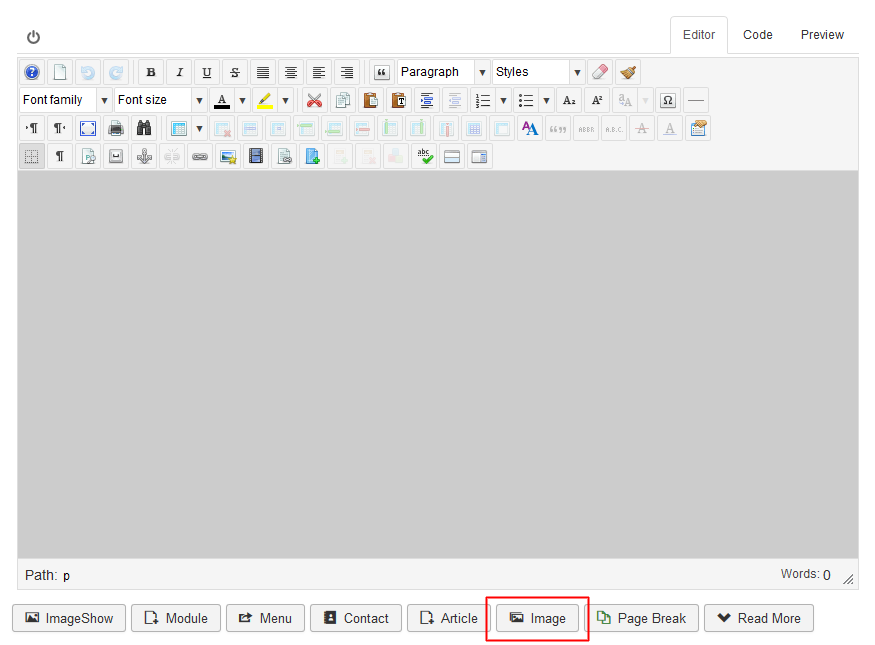
- Use the 'Image' button on the bottom of the editor
- Screenshots:
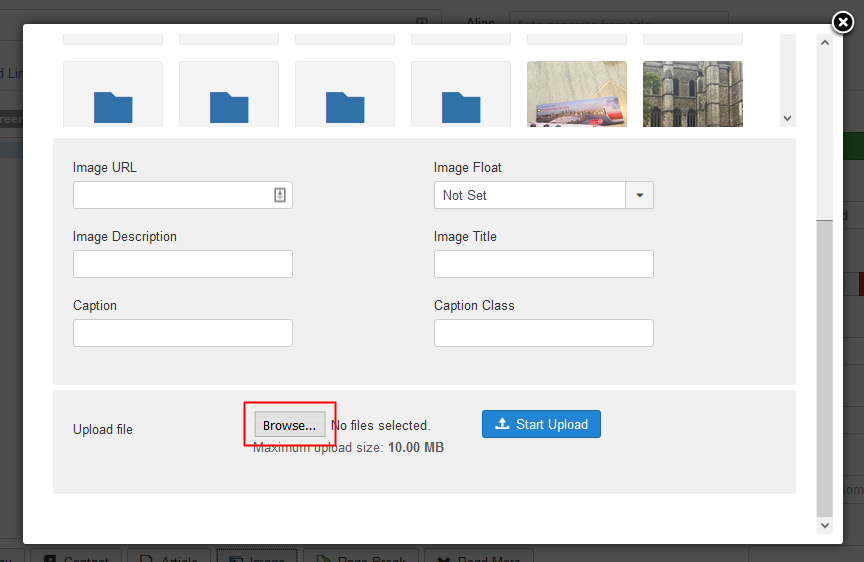
- Browse and Upload will automatically fix the problematic image
Note: Uploading image(s) through 'Insert/Edit image' icon from JCE eidtor's toolbar will not have any effect.
