How to Upgrade?
WARNING! Even though nothing might go wrong during the update process process, its a good practice to back up your DB before upgrading or updating any add-ons just in case something goes wrong.
Step 1: Download the latest file
- Login to your Account
- Go to Services > My Products & Services
- Click on Nifty WHMCS Integrator - will show only if you have purchased this product
- Click on Download Now button
Step 2: Upload files
Using FTP client, copy and overwrite "modules" folder to the root of your WHMCS installation
Step 3: Verifying uploaded version
- Login to Admin Area
- Go to Addons > Nifty WHMCS Integrator
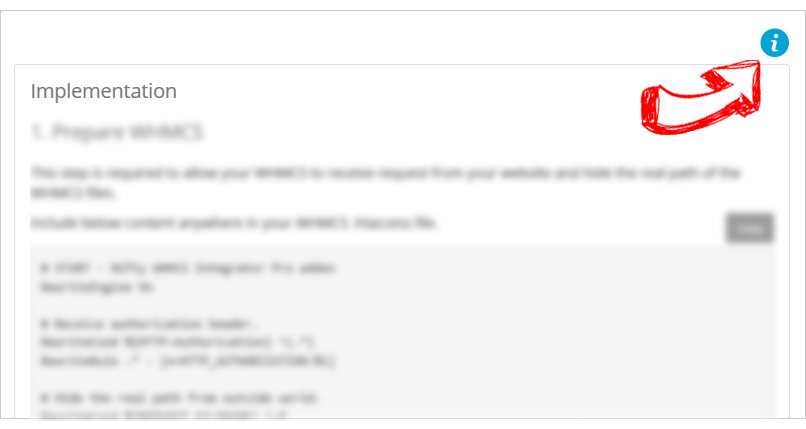
- Click icon on the top right
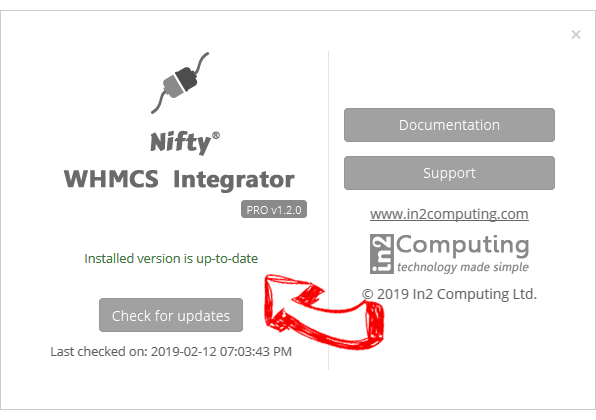
- The popup should show 'Installed version is up-to-date'