
The twitter cards and og metatags can be set at,
- Site Level
- Menu Level and
- Article Level
1. Site Level
Site level is nothing but the default values set in single configuration for all pages and articles
- Turn On 'Configure Default Values'
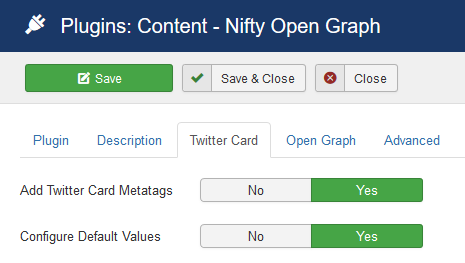
- Fill in the values for og tags if you wish to set something common for every page
- Leave blank for values want to be changed for every page or not required
2. Menu Level
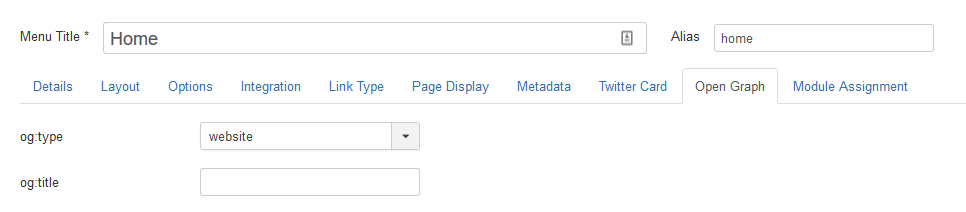
Nifty Open Graph provides two new tabs called 'Twitter Card' and 'Open Graph' for every menu item
- Set required values with respect to the menu item, if any
- Screenshot:
3. Article Level
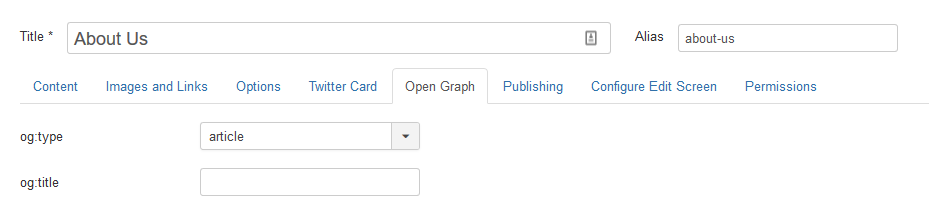
Nifty Open Graph provides two new tabs called 'Twitter Card' and 'Open Graph' for every article
- Set required values with respect to the article, if any
- Screenshot:
4. How the values are applied?
- In the case of article, we wil look for article level Twitter Cards and Open Graph metatags
- If not article, we will look for menu level Twitter Cards and Open Graph metatags
- If the title or description or image is left blank for an article, it will automatically pickup Article Title as Title, Info Text as Description and Intro Image or Full Image or first image inside the Article Content as Image
- If the title or description value is left blank for a menu item, it will look for the (Site Level) Default Values
- If the title or description value is left blank on (Site Level) Default Values as well, then it will take the title and description from menu item metatags
